
WhatsApp marketing campaigns guide for Saudi stores
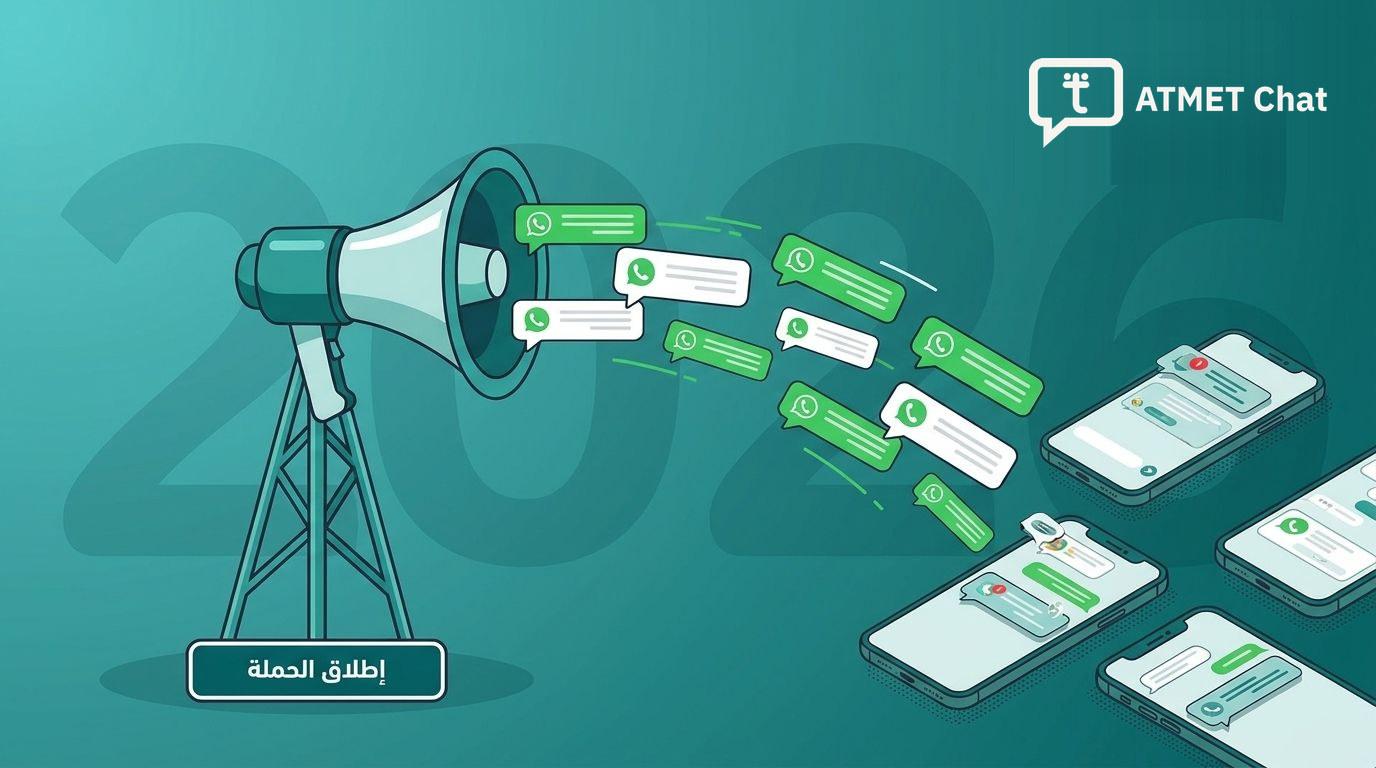
How to launch a WhatsApp campaign to your store's customers that arrives and sells — what Meta charges, how many customers you can message a day, what a number's quality rating is, and how to avoid a restriction.
A WhatsApp campaign lands in the app your customer opens every day, under your store's name and from its number. That makes it one of the closest channels to your customer, and one of the quickest to backfire when it's sent the wrong way.
This guide puts together what decides a campaign's success before you write a word of it: what it costs at Meta, how many customers you can message in a day, what a number's quality rating is, and how to avoid a restriction. Then how to choose your audience, write your message, and measure the result.
How do you send a WhatsApp campaign to your store's customers?
A campaign is a template message approved by Meta, sent over the official connection (WhatsApp API) to a group of your customers. In ATMET Chat you choose the campaign's audience from your store's customers on Salla, Zid or Shopify, or from shoppers with abandoned carts, and sort them by their orders, their carts and the last campaign they received.
Campaigns in ATMET Chat go out over the official connection only. ATMET Chat channels, which link your number with a QR code, are for day-to-day conversations with people who message you, not for bulk sending.
What is the difference between a campaign and automatic notifications?
Your store sends its customers two kinds of WhatsApp messages, each with its own rules:
- Automatic notifications go out by themselves when something happens in the store: the order confirmation, the status update, the review request. These are mostly utility messages, and the customer expects them because they are about their order.
- A campaign is a message whose audience and timing you choose: an offer, a new product, an invitation for a season. It is a marketing message, and the customer didn't ask for it.
In between are messages that are automatic but marketing: the abandoned-cart reminder and the birthday greeting. They go out by themselves like notifications, but Meta prices and counts them as marketing messages, like a campaign.
The difference matters for two things: the price, because a marketing message costs far more than a utility one, and repetition, because every marketing message a customer gets from you, campaign or reminder, counts towards Meta's per-customer limit. So plan your campaigns knowing what your cart reminders are sending that same week.
What does a WhatsApp campaign cost?
Meta charges for every message delivered, by its type and the customer's country. Campaign messages are marketing messages, and a marketing message to a customer in Saudi Arabia costs 0.2159 SAR, on Meta's rate card in effect since October 1, 2026.
So a campaign that reaches a thousand customers in Saudi Arabia costs 215.90 SAR in Meta fees. You pay Meta directly, from the payment method on your WhatsApp Business account, with no ATMET markup. Prices for every country and currency are on the Meta message rates page.
Abandoned-cart reminders and birthday greetings are marketing messages too, at the same price. Count them in the marketing messages a customer gets from you.
How many customers can your store message in a day?
Meta sets a daily limit on how many distinct customers you start a conversation with on a template in a rolling 24 hours. The limit is set for your business portfolio on Meta and shared by all your numbers in it; it starts at 250 customers and rises in steps until there is no limit, and verifying your business with Meta is one of the ways to raise it to 2,000. The details are in our guide to the official WhatsApp API. Replies to customers who message you don't count towards it.
ATMET Chat reads your limit from Meta and shows it in the campaign. If you pick an audience bigger than your limit, the campaign runs over several days, and you see how many before you send. If Meta doesn't report the limit, we send up to 250 messages a day until it does.
What is a number's quality rating, and why does it matter?
Meta gives every number a quality rating — green, yellow or red — built on how customers respond to your messages. A number customers ignore, block or report loses quality. Since October 7, 2025 Meta no longer lowers the daily limit when quality drops, but high quality is one of two conditions for your limit to rise; the other is using at least half your limit in the last 7 days.
You'll find your number's quality rating in Meta's WhatsApp Manager. Each template has its own quality too: high, medium or low. A template whose quality turns low is paused by Meta for 3 hours, then for 6 hours if it happens again, and disabled the third time, so ATMET Chat warns you before activating a campaign whose template's quality is low.
How do you avoid a restriction because of a campaign?
- Send to people who know you. Customers who bought from your store are your best audience; don't buy lists of numbers.
- Space out marketing messages to the same customer. In ATMET Chat's campaign data for the 30 days to October 1, 2026, Meta held back between 57 and 80 in every 100 marketing messages to customers who had had a marketing message in the past 7 days, against 27 in 100 for everyone else. ATMET Chat flags, before you send, the customers who had a marketing message from your store in the last 7 days, a campaign or a cart reminder.
- Add an unsubscribe button set to stop campaigns. Whoever taps it goes on your excluded numbers list and gets no more campaigns from you, and so does anyone who writes «توقف» (stop).
- Leave the speed to your number. A number linked to the WhatsApp Business app on a phone sends its campaigns gradually, one message a second, because the app treats fast sending as spam.
- Don't put an offer in a utility template. Meta moves promotional templates to marketing, and businesses that keep doing it get a warning, then a limit on their utility messages, then a temporary suspension of their utility templates.
If Meta restricts the account mid-send, the campaign pauses itself so it doesn't keep failing. More in Why does a WhatsApp number get restricted after a campaign?.
Who should be in the campaign's audience?
Segmenting makes the message matter to whoever receives it. Segments you can build from your store's customers:
- One-time buyers: an offer that encourages a second order.
- Frequent buyers: early access to a new product, or a private discount.
- Shoppers who left a cart: a reminder of what they left, as long as they didn't get a cart reminder a few days ago.
- Customers you haven't campaigned to in a while: less likely to be held back by Meta than someone you messaged last week.
On the Pro plan you can also upload your list from an Excel or CSV file and map each variable in the template to a column in the file.
How do you write the campaign's message?
- Short and direct, with a clear offer in the first line.
- In the customer's name. "Hi Sara, the National Day sale has started" feels closer than a generic message.
- With one clear button that opens the offer's page in your store.
- On time. The big sales seasons in Saudi Arabia: National Day, Ramadan, the two Eids and White Friday. Prepare the season's template days ahead, because Meta's review can take up to 24 hours.
- Test the timing. No single hour suits every store. Try different times on small segments and compare the results.
If you'd rather not write the template yourself, press "Write with AI" in the template builder, describe the message in your own words, and get up to three drafts.
How do you measure the campaign's result?
Every campaign has a results page in ATMET Chat: how many messages were actually delivered, how many failed, how many were skipped, who unsubscribed, and the orders and their value. An order counts for the campaign when it is placed within 7 days of the campaign message reaching the customer.
From the same page you can export the results to Excel or CSV, and create a new campaign for those it didn't reach in one click.
Start small, then widen
Send your first campaign to a small segment of your best customers. Watch what was delivered, what failed and how many orders came in, improve the message, then widen the audience. Successful campaigns are the result of tests that build on each other, not one big leap.
Campaigns are included in ATMET Chat from the Plus plan, and targeting from a file from the Pro plan. The details are on the pricing page.
Frequently Asked Questions
Which ATMET Chat plan includes campaigns?
Campaigns to your store's customers and to shoppers with abandoned carts are included from the Plus plan. Targeting from an Excel or CSV file is included from the Pro plan.
Can I send a campaign from ATMET Chat channels (the QR code)?
No. Campaigns in ATMET Chat go out over the official connection (WhatsApp API) only, on Meta-approved templates. ATMET Chat channels are for day-to-day conversations with people who message you.
How long does Meta take to approve a campaign template?
Meta's review can take up to 24 hours, so prepare your campaign template ahead of its date, especially for a season.
Why didn't the campaign reach some customers?
Most often because Meta doesn't deliver marketing messages to a customer who has had many, because the number isn't on WhatsApp, or because the customer unsubscribed. A message that isn't delivered isn't charged, and the reasons show in the campaign's results.
How do I know how much the campaign sold?
The campaign's results page shows its orders and their value; an order counts for the campaign when it is placed within 7 days of the campaign message reaching the customer.
Interested in applying this to your business?